Optimizing SEO for Google Sites
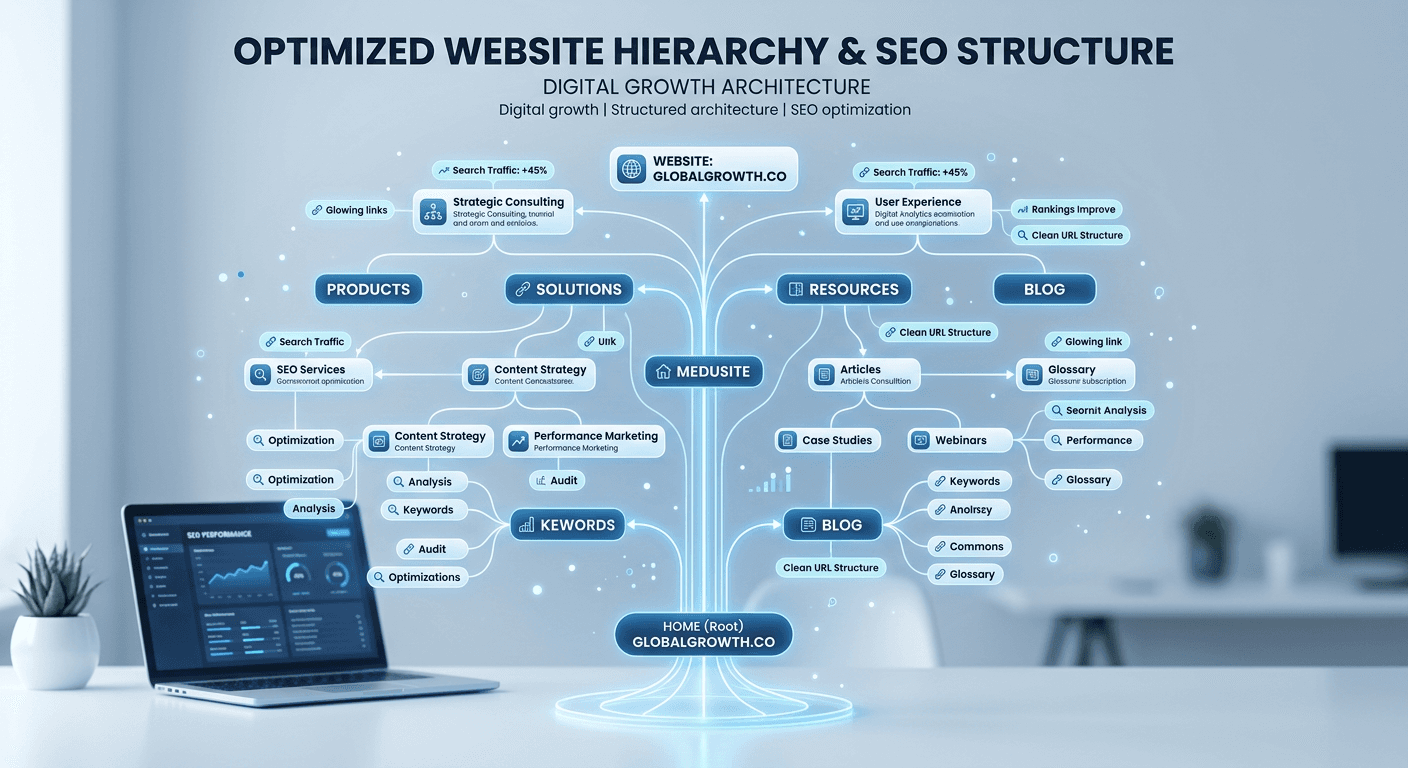
Optimizing SEO for Google Sites requires a strategic approach that acknowledges the platform's simplified architecture while leveraging its native integration with the broader Google ecosystem. While users often perceive Google Sites as a static tool, performing a thorough SEO check for website performance on this platform reveals significant opportunities to rank for long-tail keywords and niche queries by focusing on core technical foundations, content structure, and user intent alignment.
Quick Summary {#quick-summary}
SEO for Google Sites is the process of improving search visibility for pages built using the Google Sites platform. Because the builder is restricted compared to custom CMS options, optimization relies heavily on high-quality content, proper meta-data management, and smart utilization of the Google Search Console ecosystem to index pages correctly.
- Optimize page titles and meta-descriptions to align with specific search queries.
- Utilize clean URL slugs and hierarchical page structures for improved crawlability.
- Leverage internal linking to distribute authority across your site structure.
- Integrate with Google Search Console to monitor performance and identify indexing errors.
Table of Contents {#table-of-contents}
- Quick Summary
- Understanding Google Sites SEO Limitations
- Optimizing Site Architecture and Navigation
- Strategic Content Creation and Meta-Data
- Technical SEO Check for Website Performance
- Common Pitfalls and Troubleshooting
- Frequently Asked Questions
- Recommended Reads

Understanding Google Sites SEO Limitations {#understanding-google-sites-seo-limitations}
Google Sites is a simplified, cloud-based platform designed for rapid deployment, which means it lacks the granular control provided by complex CMS environments. You cannot access server-side configuration files, modify .htaccess files, or implement complex schema markup directly in the code. Recognizing these constraints is essential because it shifts your focus from technical 'hacking' toward mastering the native tools provided within the editor.
Despite these limitations, the platform is inherently 'Google-friendly' because it is hosted on the same infrastructure as other Google products. By understanding the legal documentation associated with using these services, you can better manage your expectations regarding site ownership and data portability. The key is to maximize the visibility of the elements you can control, such as H-tag hierarchy, alt-text for images, and page meta-descriptions, which are often overlooked by casual users.
Optimizing Site Architecture and Navigation {#optimizing-site-architecture-and-navigation}
Site structure is the backbone of your digital presence. Google Sites uses a flat or simple hierarchical structure, meaning your navigation menu directly dictates your site's URL structure. To optimize this, keep your menu concise and logical. Each page should represent a primary topic, and sub-pages should represent specific sub-topics, creating a clear taxonomy that search engine crawlers can interpret effortlessly.
Pro Tip: Keep your navigation labels short and keyword-rich. Instead of using generic labels like "Information," use descriptive terms like "Professional Consulting Services" to provide both the user and the search crawler with context regarding what the page contains.
Additionally, avoid creating an overly deep site structure. Aim to ensure that every important page is reachable within three clicks from the homepage. When organizing your content, follow the principles found in the privacy policies and security standards to ensure your site architecture doesn't just rank well, but also builds trust with your visitors.
Strategic Content Creation and Meta-Data {#strategic-content-creation-and-meta-data}
Content remains the primary driver of search rankings. On Google Sites, you must rely on high-quality, long-form content that answers the specific needs of your audience. Because you cannot use third-party SEO plugins, you must manually ensure that your primary keyword appears in the page title, the first paragraph of the body text, and at least one image alt-text field.
Meta-data management in Google Sites is confined to the page settings menu. Each page allows you to set a title that acts as your H1 tag. Use this space wisely by including the target keyword near the beginning. When crafting the body text, ensure you are utilizing the built-in formatting tools to define headers (Heading, Subheading, Small) correctly. This provides the structure that algorithms require to parse the semantic intent of your content.
Technical SEO Check for Website Performance {#technical-seo-check-for-website-performance}
A regular SEO check for website health is critical for Google Sites. Since you cannot install traditional monitoring software, you must rely on integrating your property with Google Search Console. This provides a direct channel to request indexing, monitor mobile-friendliness, and identify pages that are returning crawl errors or soft 404s.
To conduct a comprehensive check, verify that your site's images are optimized for speed. High-resolution images should be compressed before being uploaded, as slow-loading pages have a direct negative impact on search ranking. For more general inquiries about site configuration or standard operational procedures, you may consult the official portal for additional guidance on maintaining your digital assets.
Common Pitfalls and Troubleshooting {#common-pitfalls-and-troubleshooting}
One common error is neglecting the "custom domain" feature. While a sites.google.com URL is functional, it lacks the branding and authority of a custom domain. Always point a custom domain to your site to build long-term SEO equity. Another pitfall is the failure to utilize 'Alt Text' on images. Google's crawlers cannot 'see' images, so failing to provide descriptive text results in missed ranking opportunities for image search results.
If you find your site is not ranking as expected, check your Search Console for indexing status. Often, new sites simply haven't been crawled yet. Use the 'URL Inspection' tool to submit your sitemap or individual URLs to the index. If you are experiencing technical blocks, verify that your site's permissions are set to 'Public' - otherwise, crawlers will be locked out entirely.
Frequently Asked Questions {#frequently-asked-questions}
Can I add schema markup to a Google Site? You cannot inject custom JSON-LD schema code directly into the header of a Google Site. However, you can provide structured information by being extremely clear and descriptive with your text content and using high-quality internal linking.
Do Google Sites rank as well as WordPress? Google Sites can rank very well for low-to-medium competition keywords. However, they lack the advanced technical SEO capabilities (like custom canonical tags or intensive plugin support) of WordPress, which makes them less suitable for highly competitive, enterprise-level SEO campaigns.
Should I use a custom domain for better SEO? Yes, absolutely. A custom domain helps with brand authority and allows you to track site performance more effectively in Google Search Console, which is a significant factor in long-term ranking stability.
How often should I perform an SEO check? For Google Sites, a monthly review of your search performance in Google Search Console is sufficient. This allows you to spot trends, identify which queries are driving traffic, and adjust your content strategy accordingly.